
Hello!
I’m Teacher Ratch from “Let’s Scratch! Fun Programming Class.”

I’m Sukku.
Nice to meet you!
Today, we will rotate the cat.
Teacher Ratch.
Rotating the cat is easy too, right?

Yes!!
Just 3 blocks! Yeeees!
Thank you, Scratch!
For making programming so easy!
Yeah,
even I can do programming with this!

Yes!
For people who want to start programming,
Scratch is a very good programming language.
Now, let’s make it together!
Let’s learn programming and have fun!
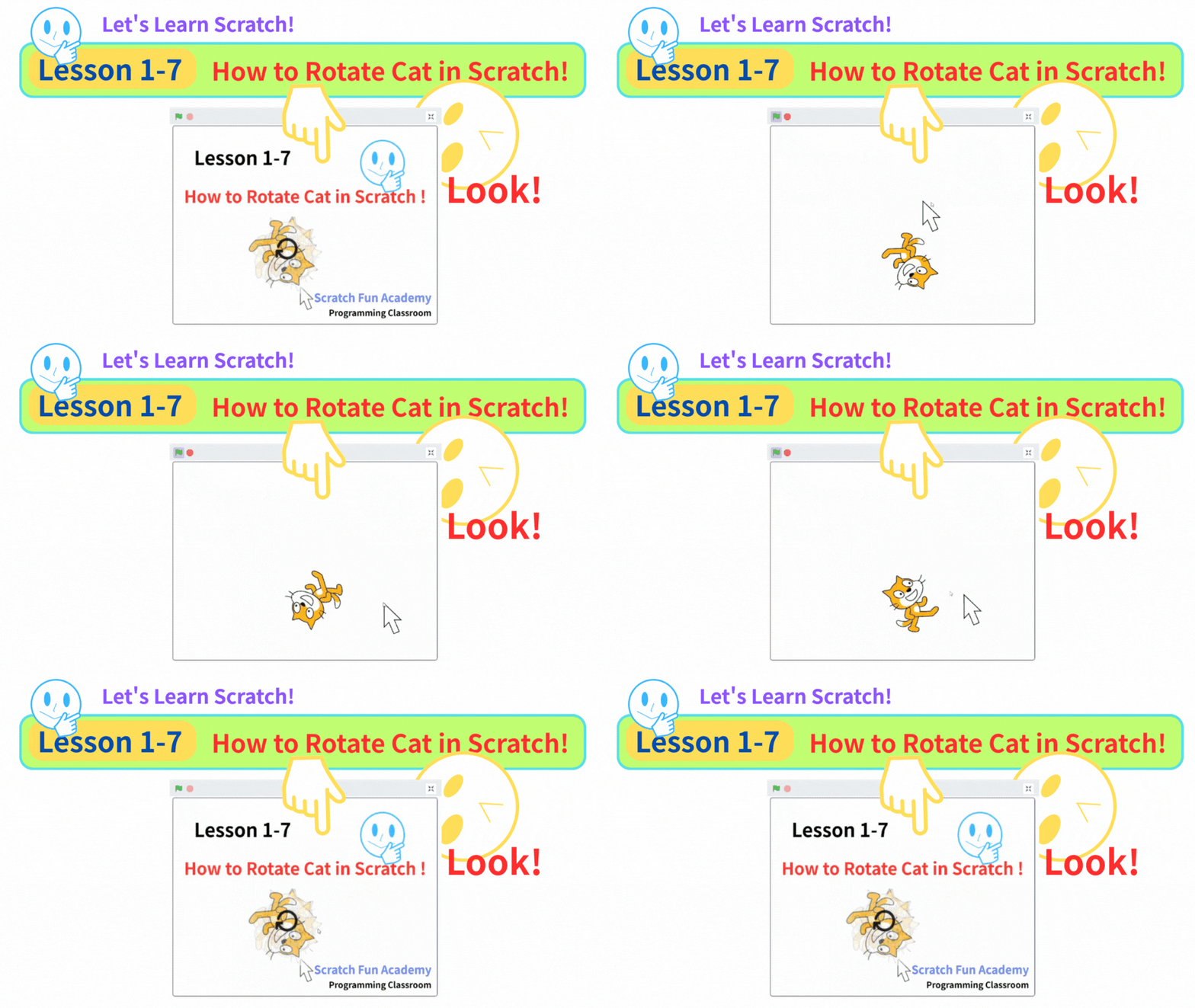
Here is the Scratch project we will make today!
Click the green flag and try it!
What you will learn in this lesson:
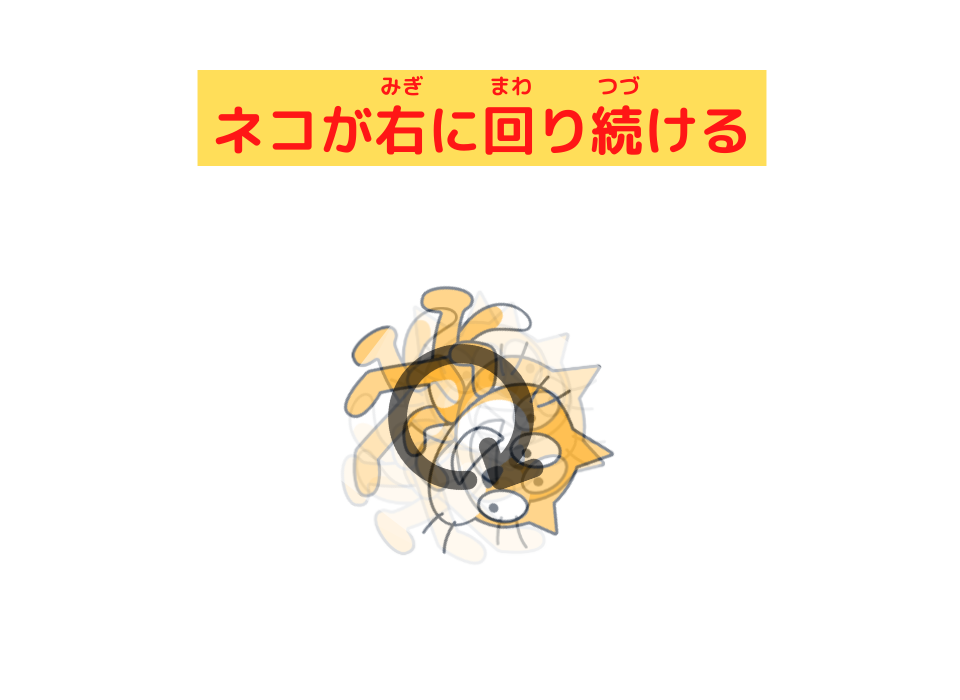
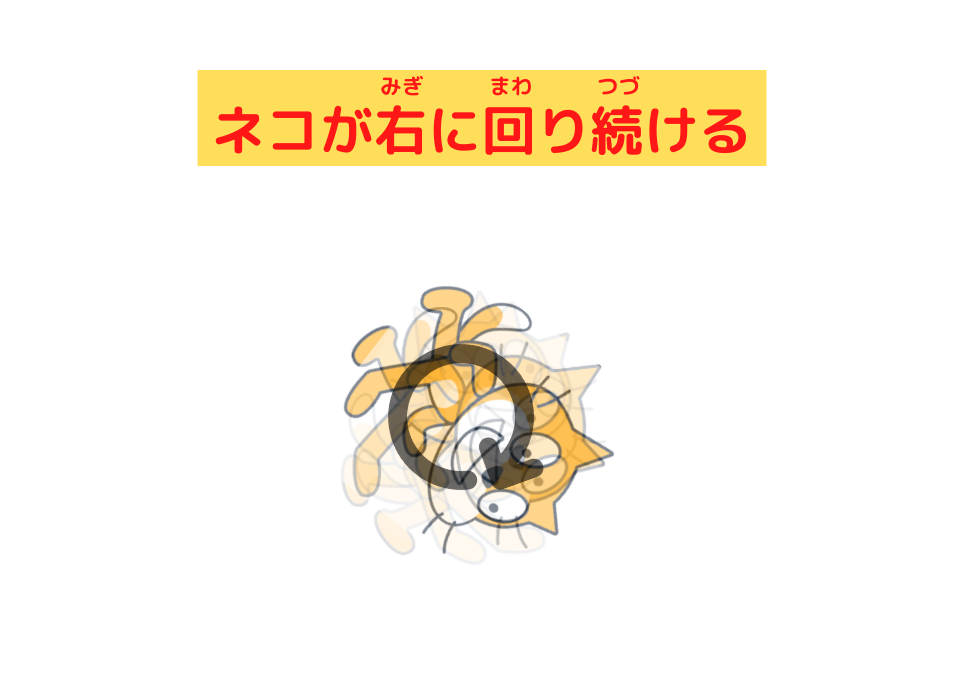
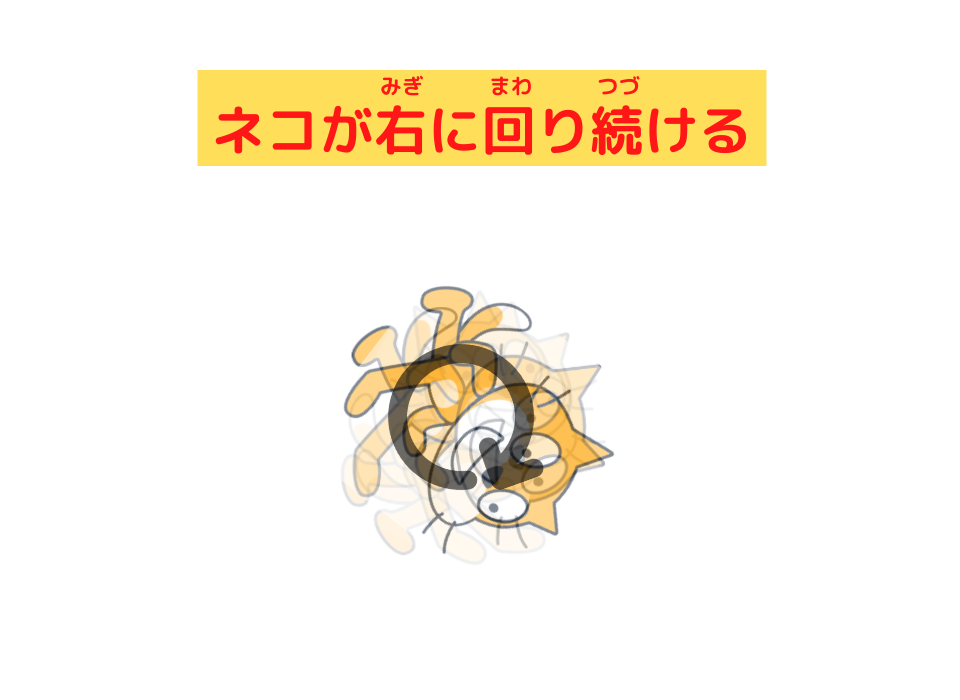
1. You will learn how to make the cat rotate clockwise continuously.
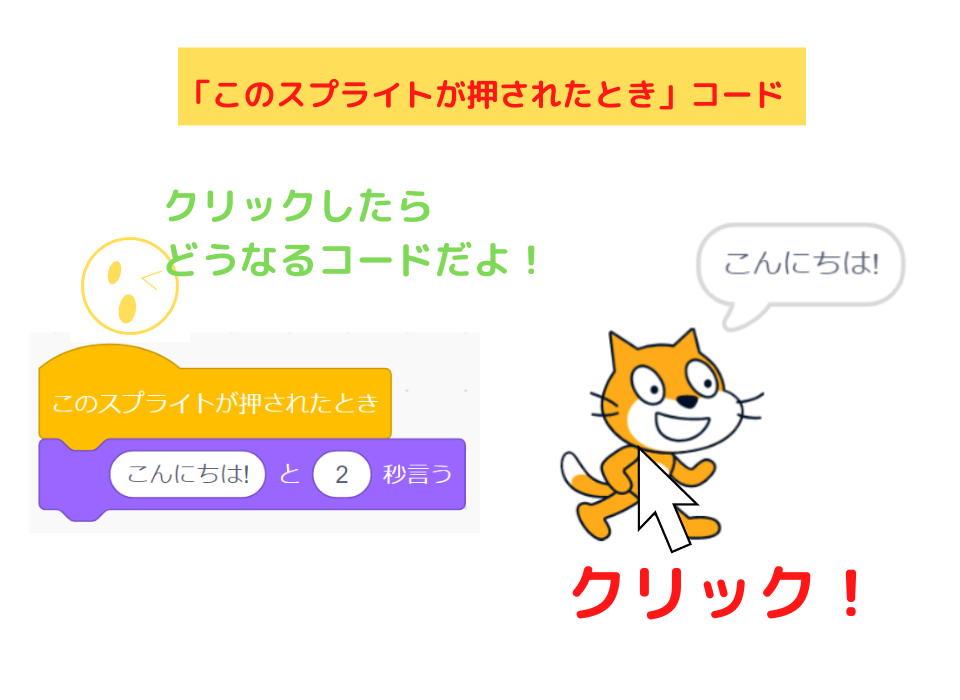
2. You will learn how to make the cat say “Hello!” and stop when clicked.
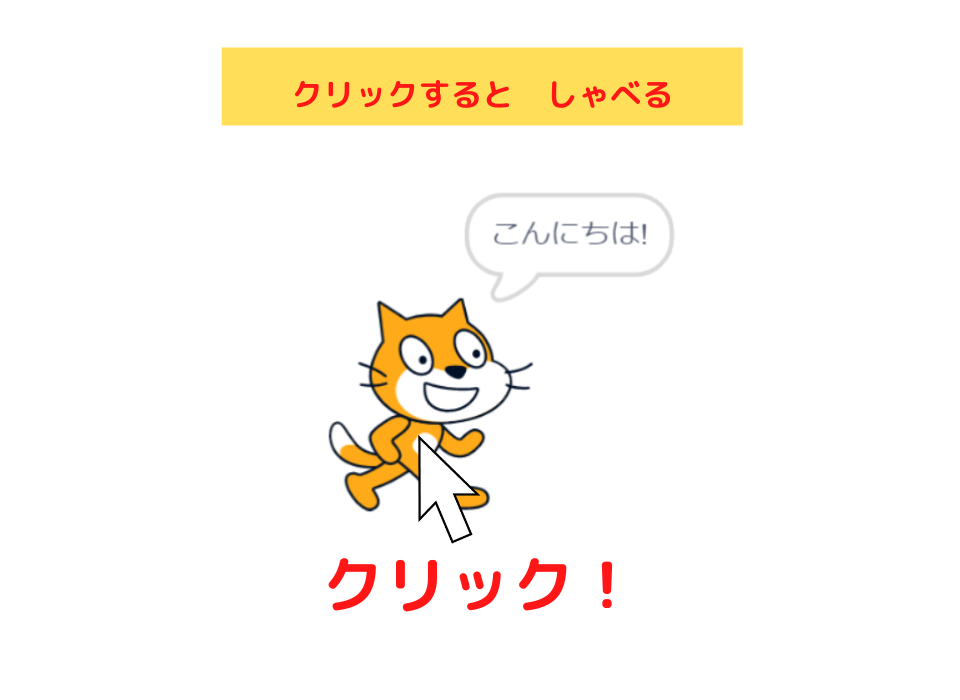


Let’s Look at the Script
Here is the sprite!
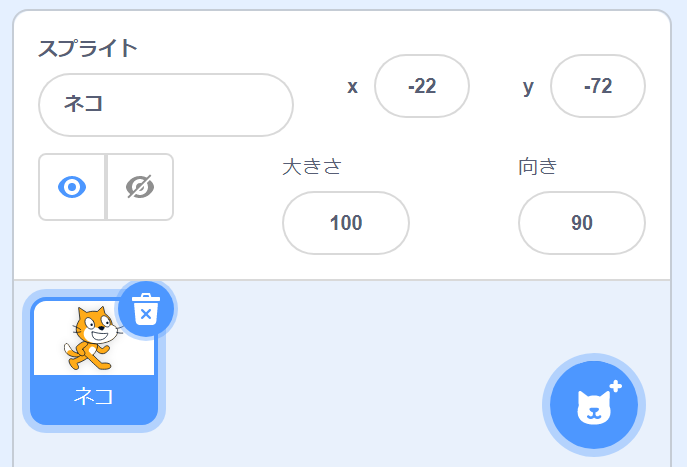

The sprite in this Scratch project is:
- Cat
- I changed the name from “Sprite1” to “Cat.”
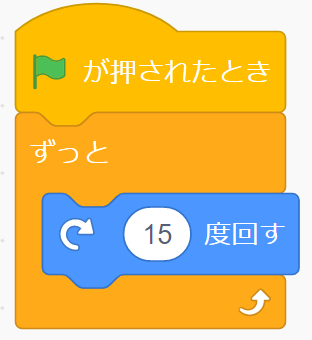
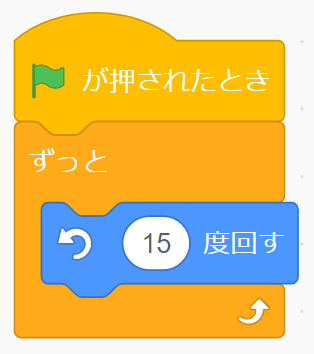
Here is the script!
Cat’s Script
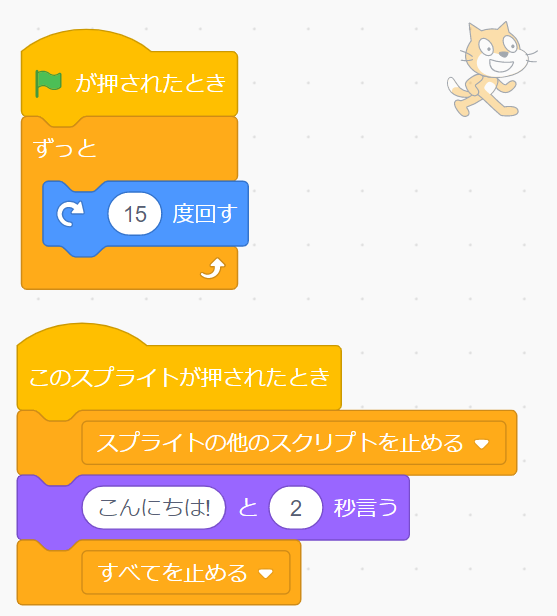
Let me explain how to program this.
Cat’s Script
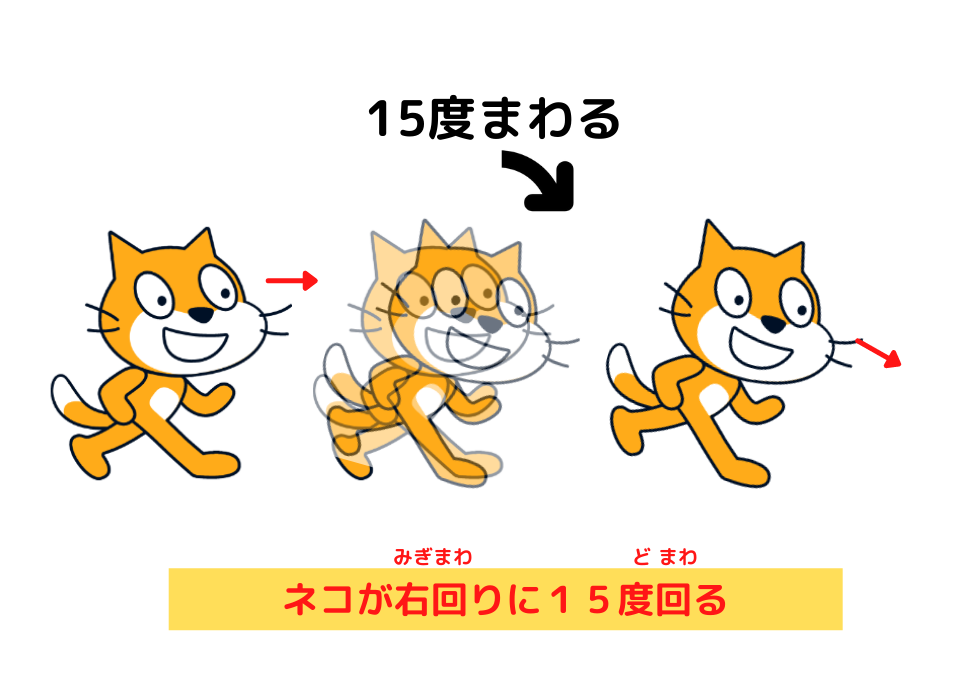
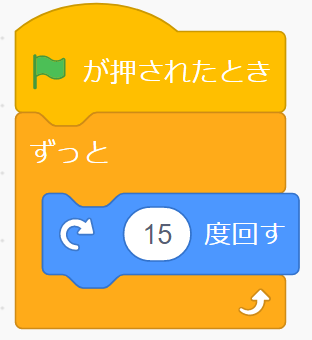
Programming to make the cat rotate clockwise
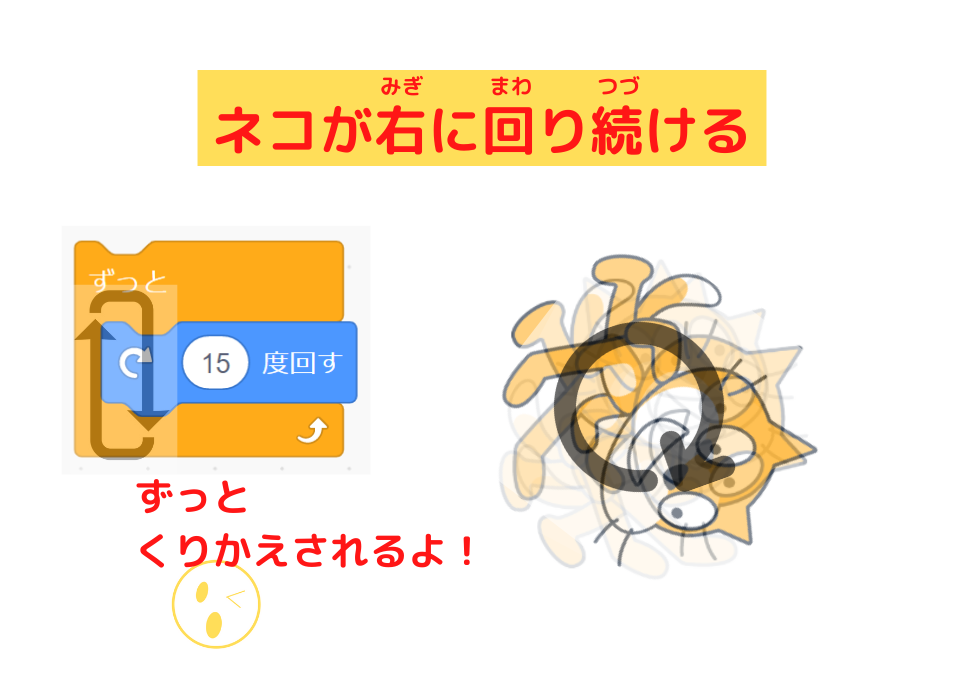

- This block turns the sprite (cat) 15 degrees clockwise.
Programming to stop movement when the cat is clicked
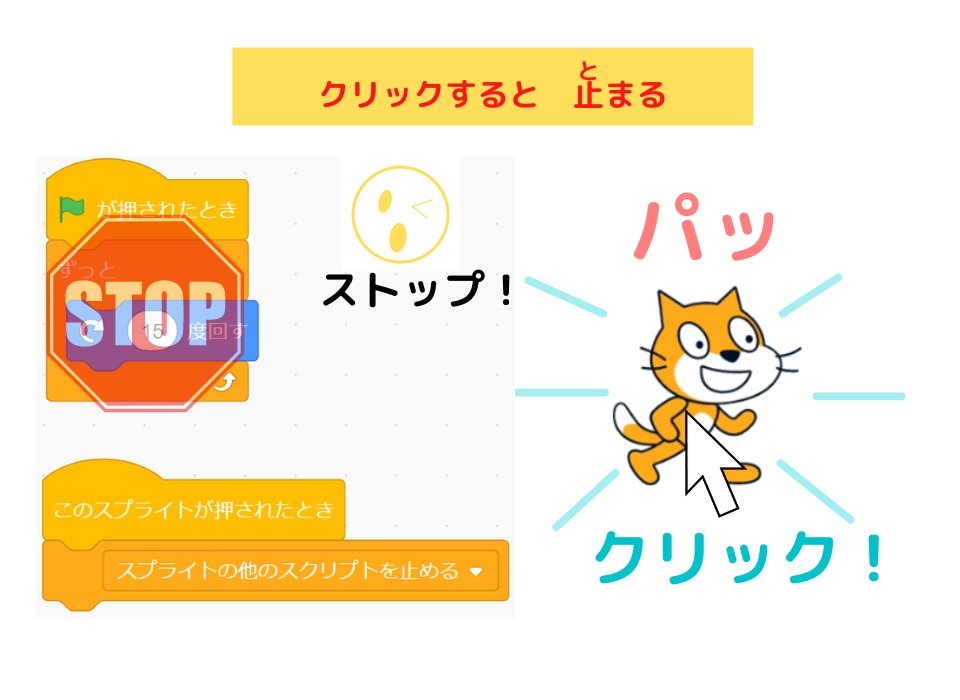

- When the sprite is clicked, the script below gives a command to the computer.
The “stop other scripts in sprite” block stops other scripts.
For details, please read this article.
How to Change the Cat’s Rotation?
How to Make the Cat Rotate Faster

Teacher Ratch,
I want to make the cat rotate faster.
What should I do?
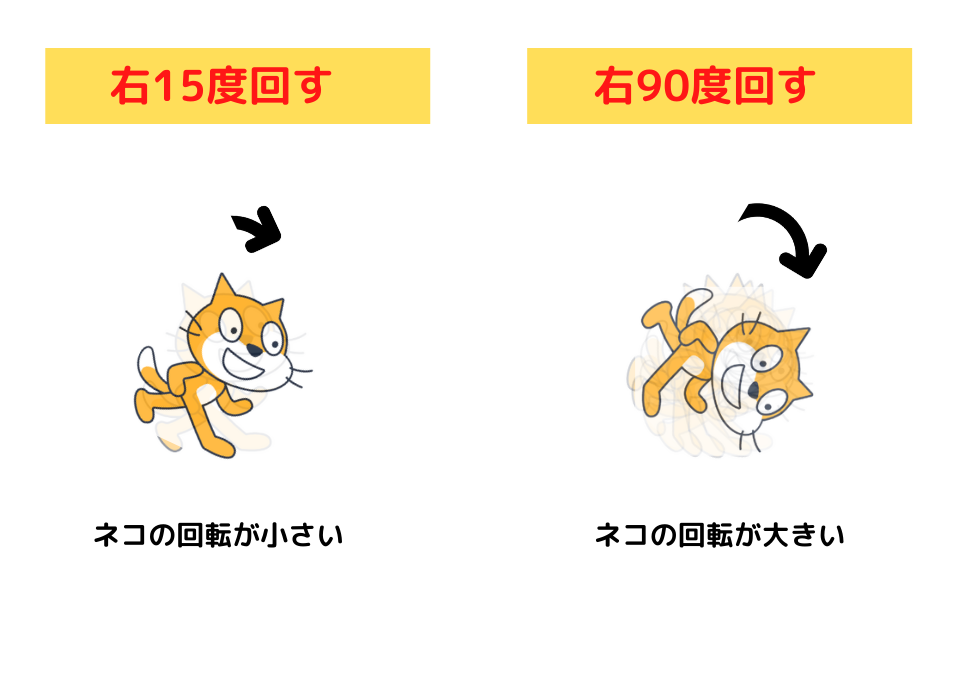
To make the sprite (cat) rotate faster, increase the number in the “turn 15 degrees clockwise” block.
The bigger the number, the more the cat turns, so it rotates faster.
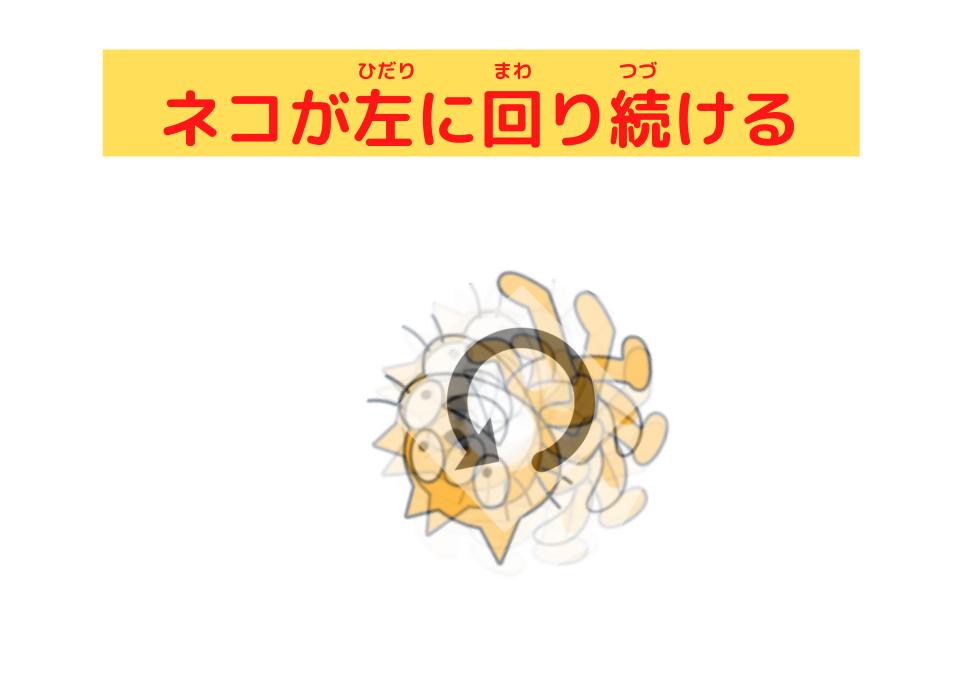
How to Make the Cat Rotate in Reverse

Hey, Teacher Ratch.
I want to make the cat rotate in reverse!
How can I do that?
Rotate in reverse,
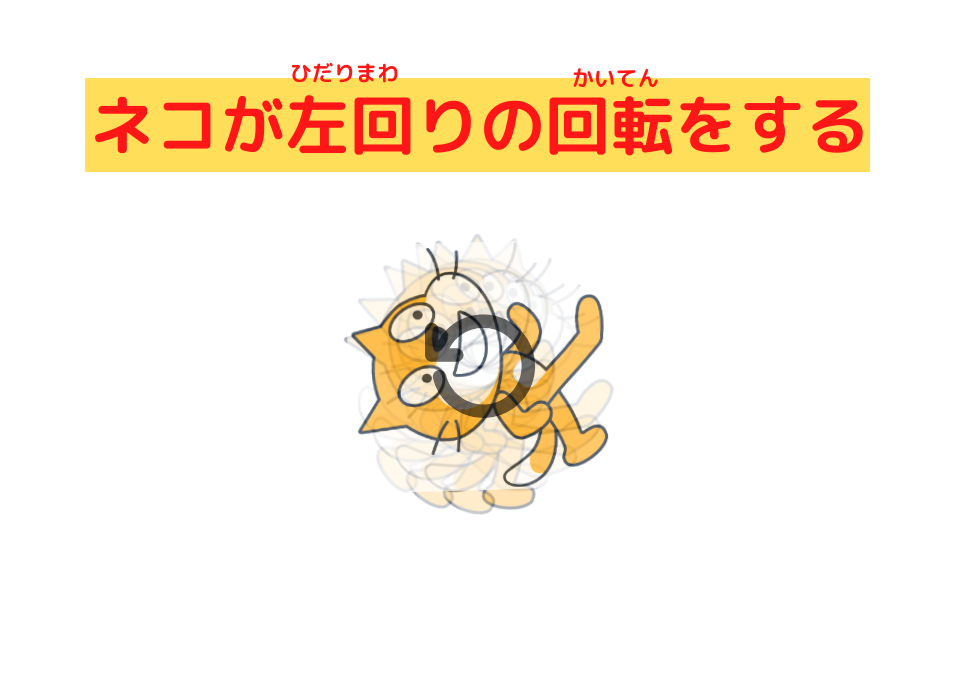
that means rotate counterclockwise!

Yes, yes.
There are 2 ways to make the sprite (cat) rotate counterclockwise.
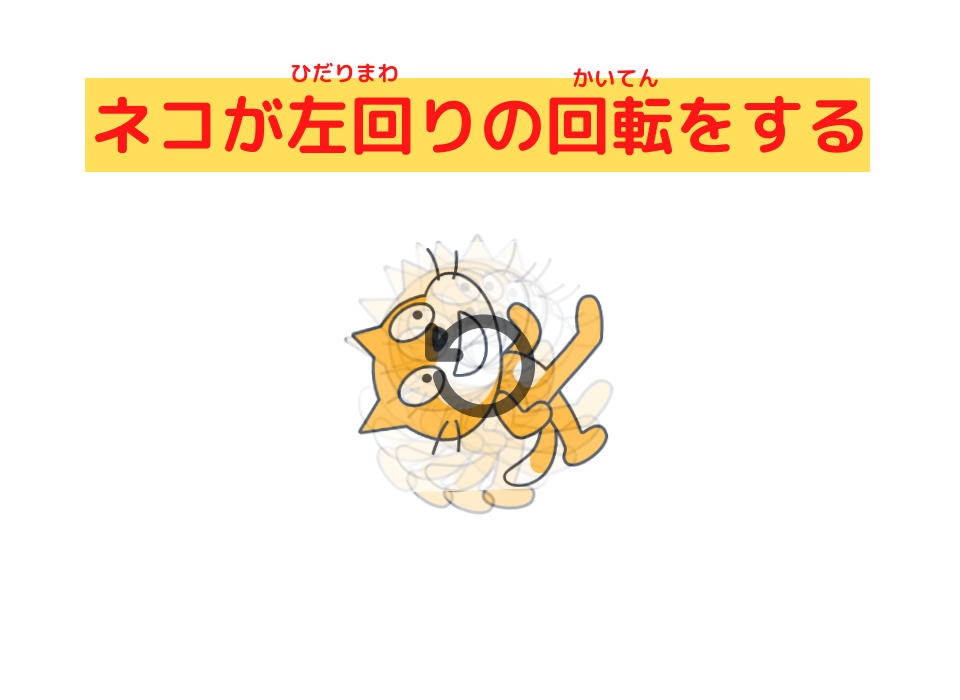
- Enter a negative number like “-15” in the “turn degrees clockwise” block

- Use the “turn degrees counterclockwise” block.

I see!
I understand now.
Summary
Today,
we learned how to rotate the catusing the “turn degrees clockwise” and “turn degrees counterclockwise” blocks.
What We Learned Today
Here is the programming to rotate the cat!

By just changing the angle,
you can easily change the rotation speed!
That’s right.
Try rotating different sprites you like.
It’s fun!
See you next time!

Bye-bye!
(@^^)/~~~
コメント