

Hello!
I’m Teacher Ratch from “Let’s Scratch! Fun Programming Classroom.”

I’m Sukku.
Nice to meet you!
Sukku.
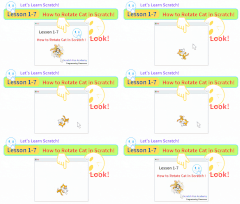
Look at how the cat moves!
It’s such an interesting movement, isn’t it?
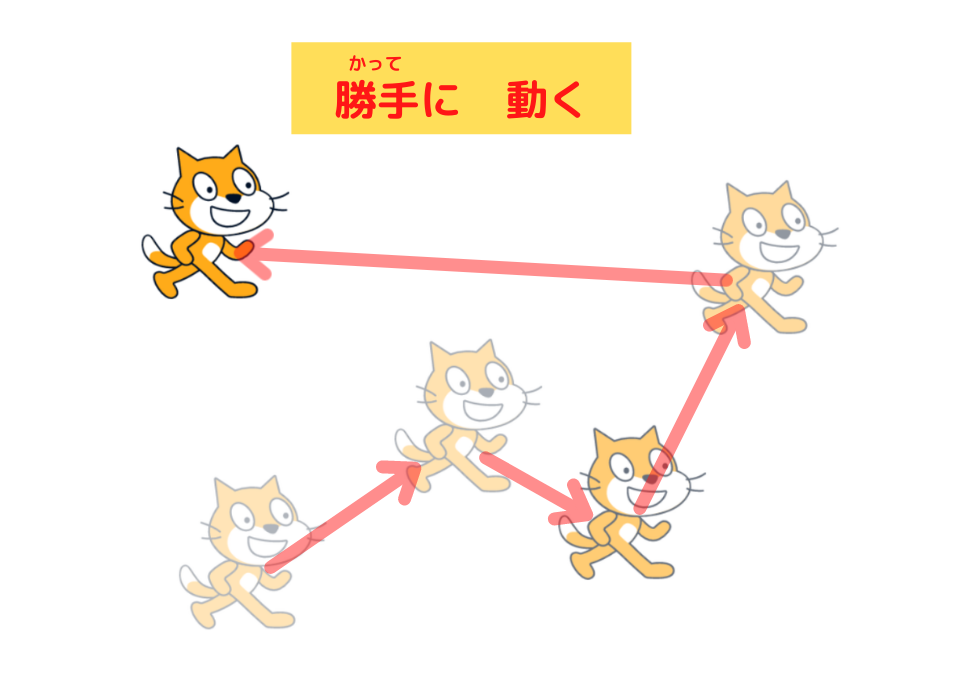

It moves like a ghost in a game!
That’s right! It moves like a ghost!
In Scratch, you can program this movement with just 3 blocks!

What? Just 3 blocks!
Yes!
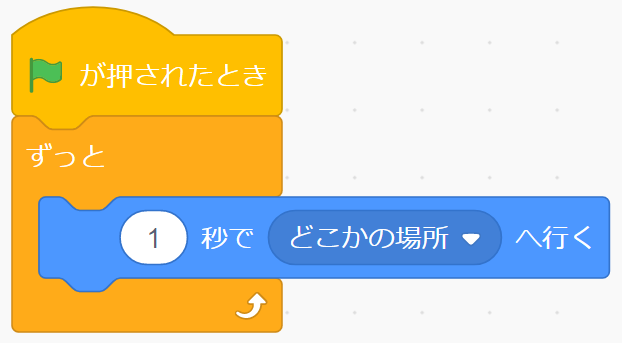
This is the script that makes the cat move like a ghost!
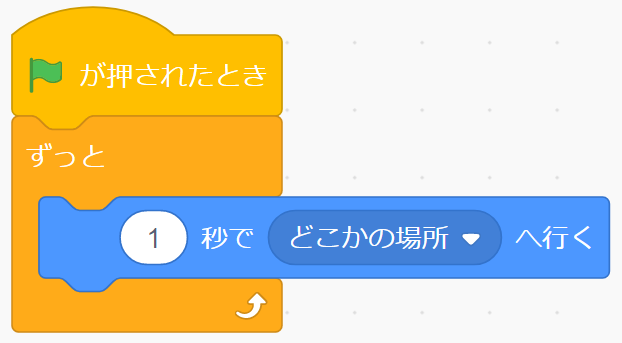
Oh, you just need this “glide to random position” block!
That’s right. It’s easy, isn’t it? You can make various games with this block.
Let’s create it together!

Okay!
Now, let’s have fun learning programming!
Today’s Scratch Project!
Watch how the cat moves!
What You’ll Learn Today
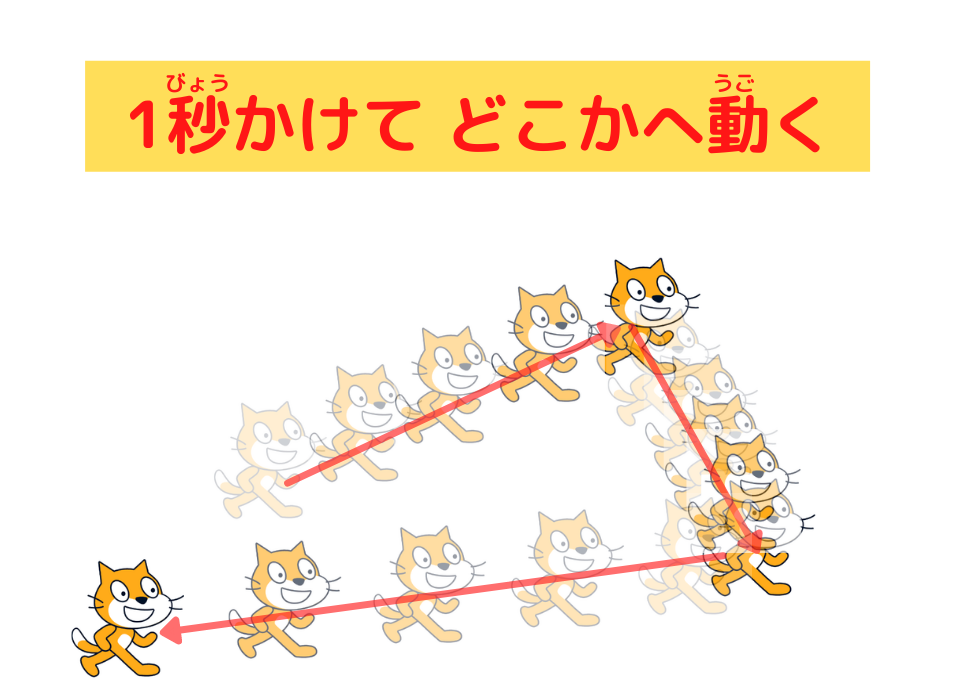
1. You’ll learn the script that makes the cat keep moving to random positions in 1 second.
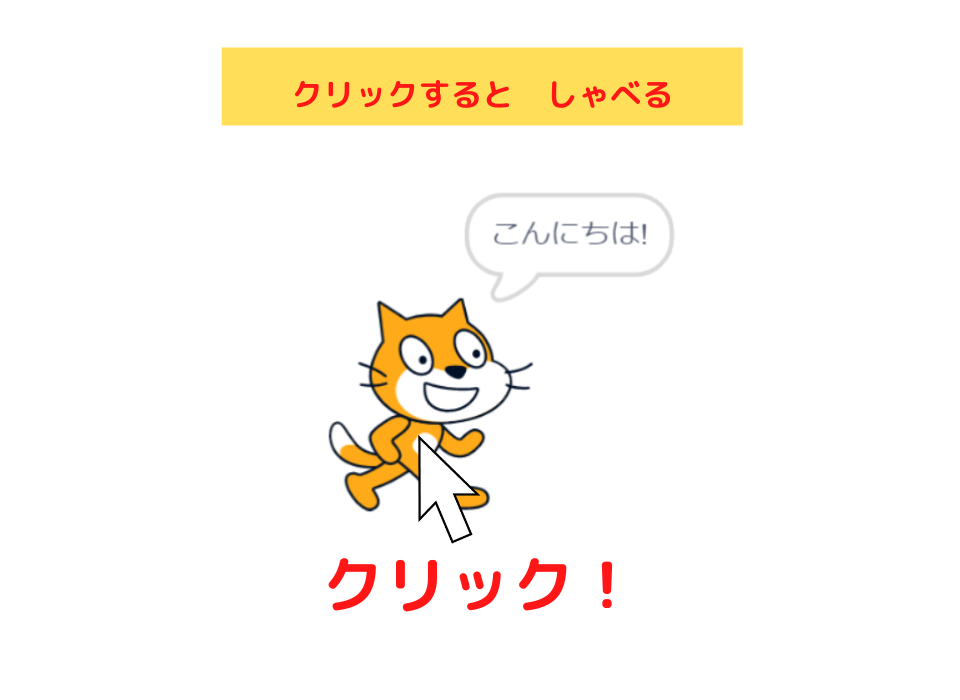
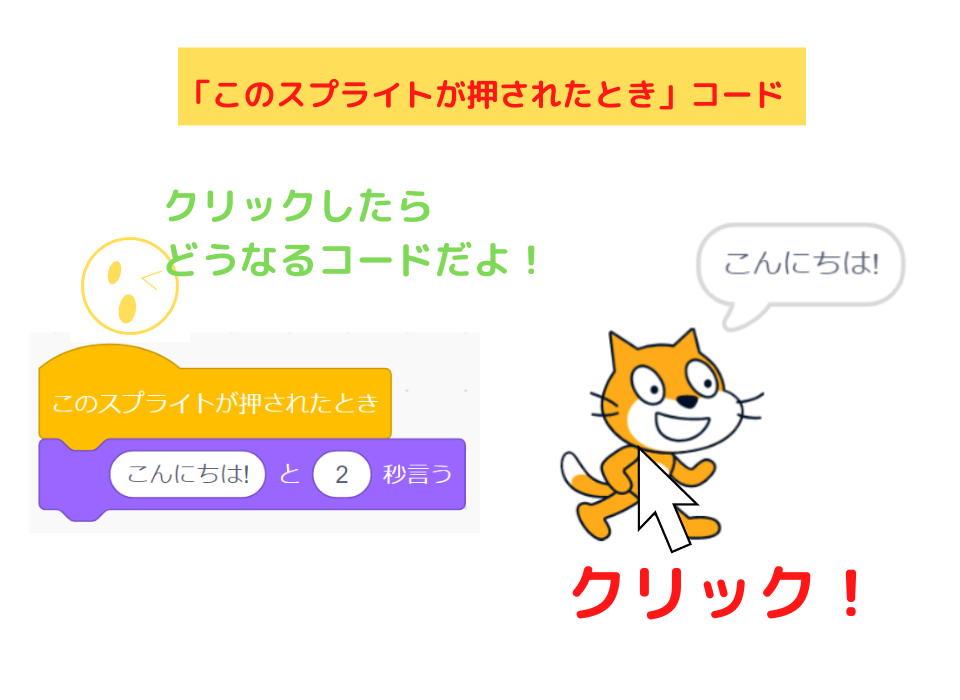
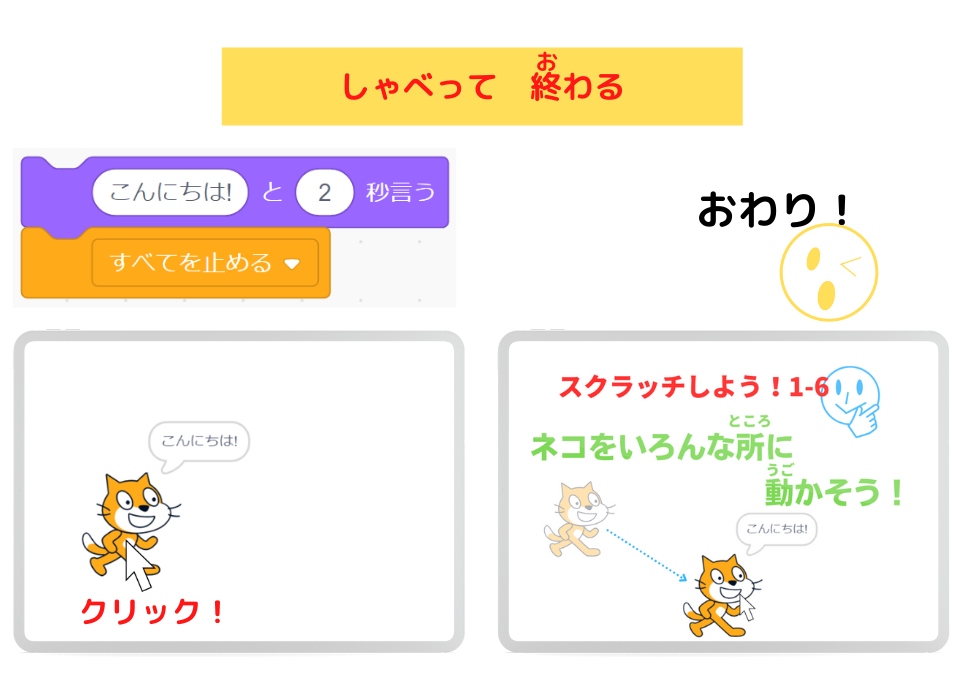
2. You’ll learn the script that makes the cat say “Hello!” and stop when clicked.


Let’s Look at the Script
The Sprite
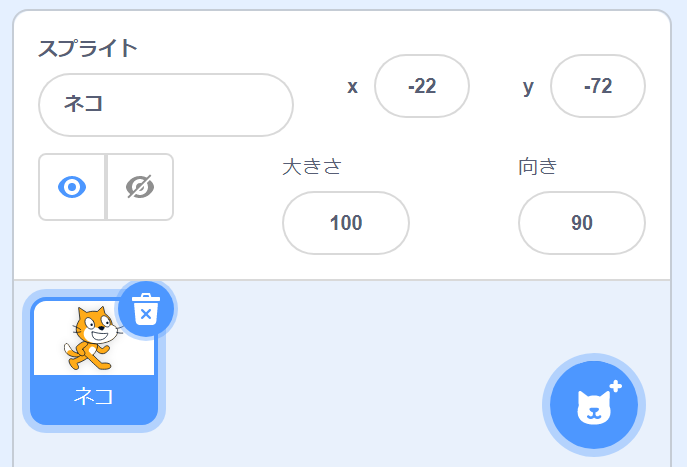
The sprite in this Scratch project is:
- “Cat”
- We changed the name from “Sprite1” to “Cat.”
The Script
Cat’s Script
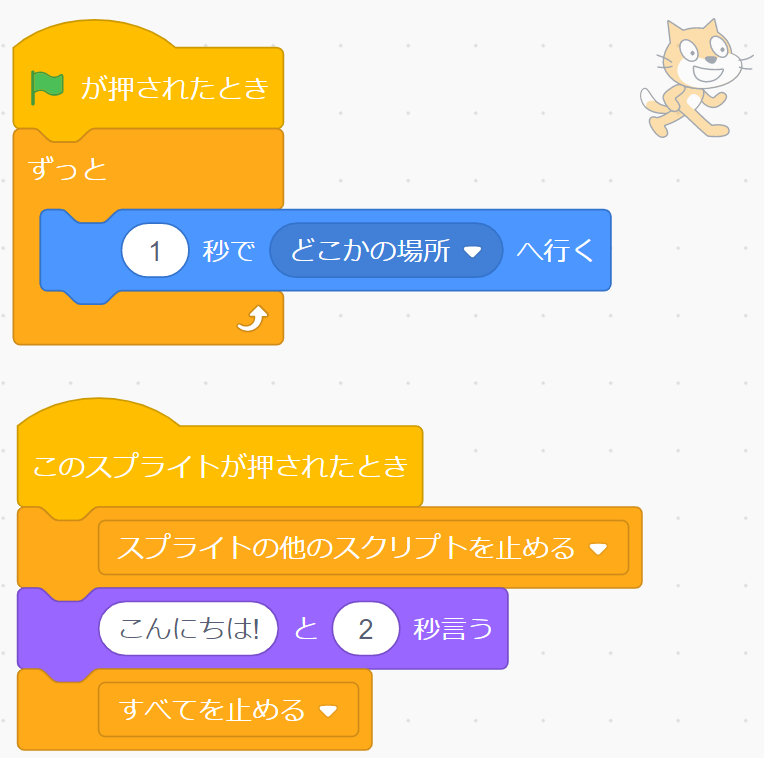
Programming Explanation
Cat’s Script
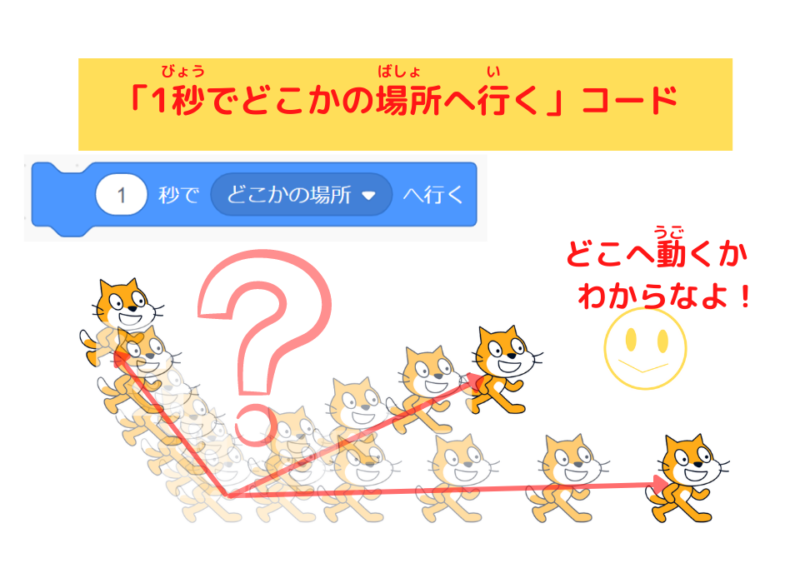
Programming to Make the Cat Move Somewhere in 1 Second
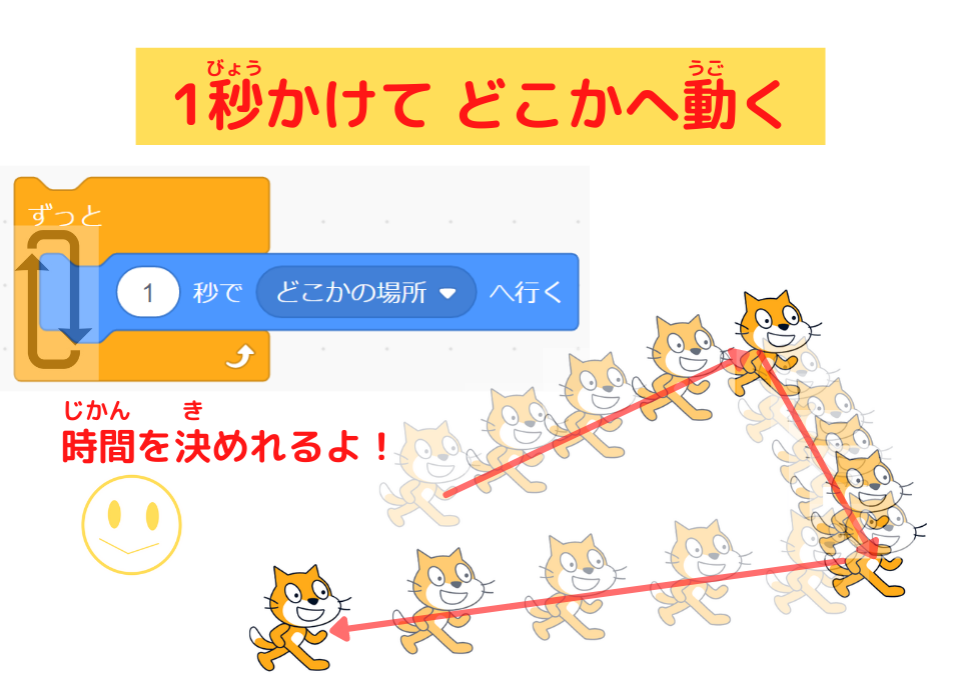

- The computer makes the sprite (in this case, the cat) glide to a random position in 1 second
Programming to Stop Movement When Cat is Clicked
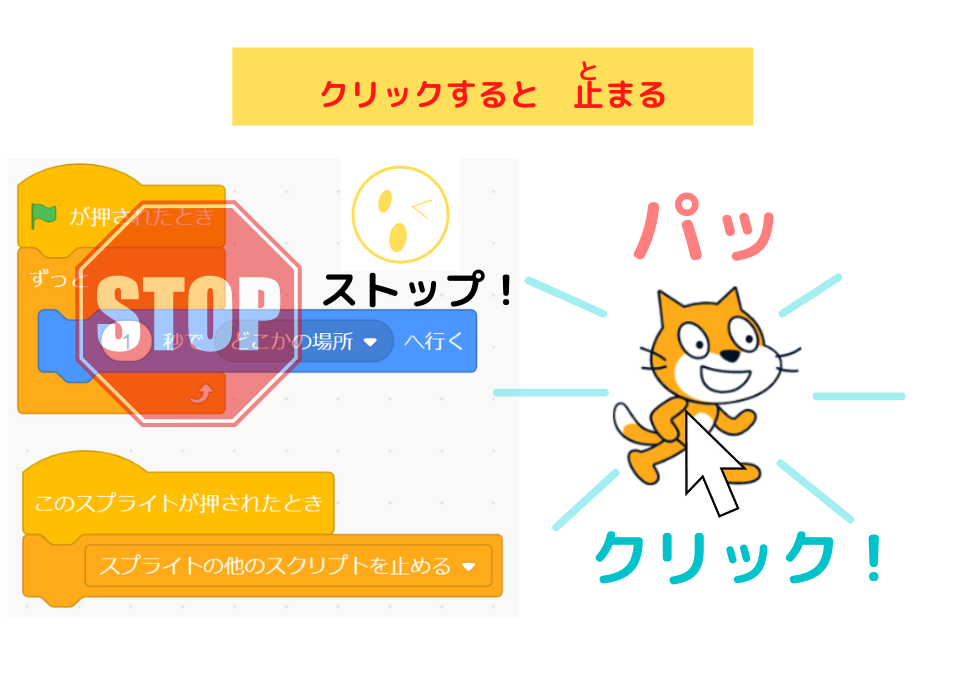

- When the sprite is clicked, the script below gives commands to the computer.
The “stop other scripts in sprite” code stops the other scripts from running.
For more details, please read this article.
Programming to Make the Cat Talk and Finish
What’s the Difference Between “go to random position” and “glide to random position”?

Teacher Ratch,


What’s the difference between these two codes?
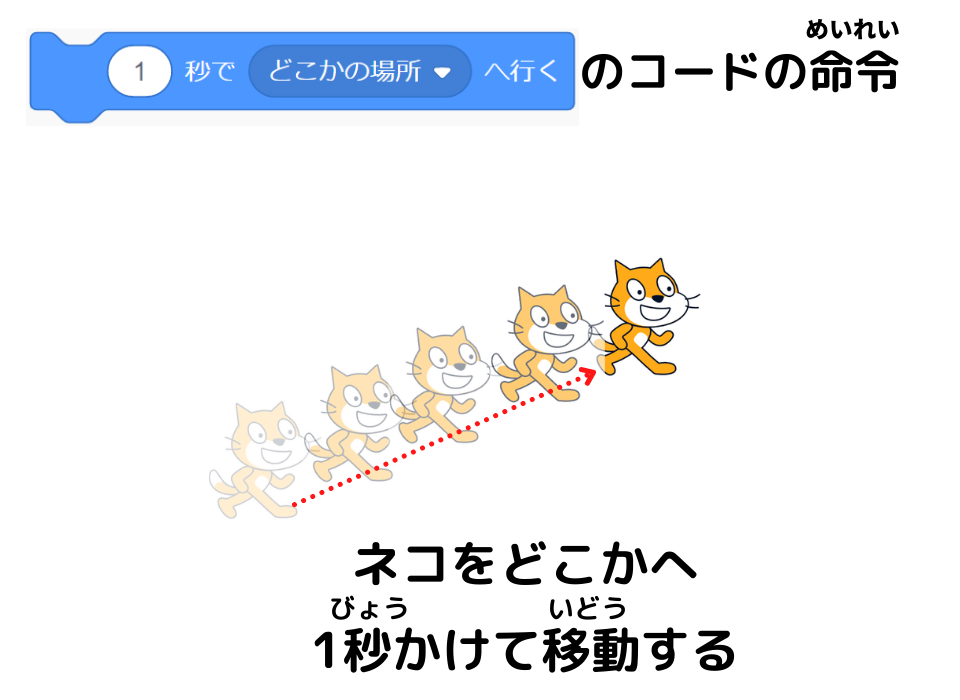
The “glide 1 secs to random position” codemakes the sprite (in this case, the cat) move somewhere over 1 second.
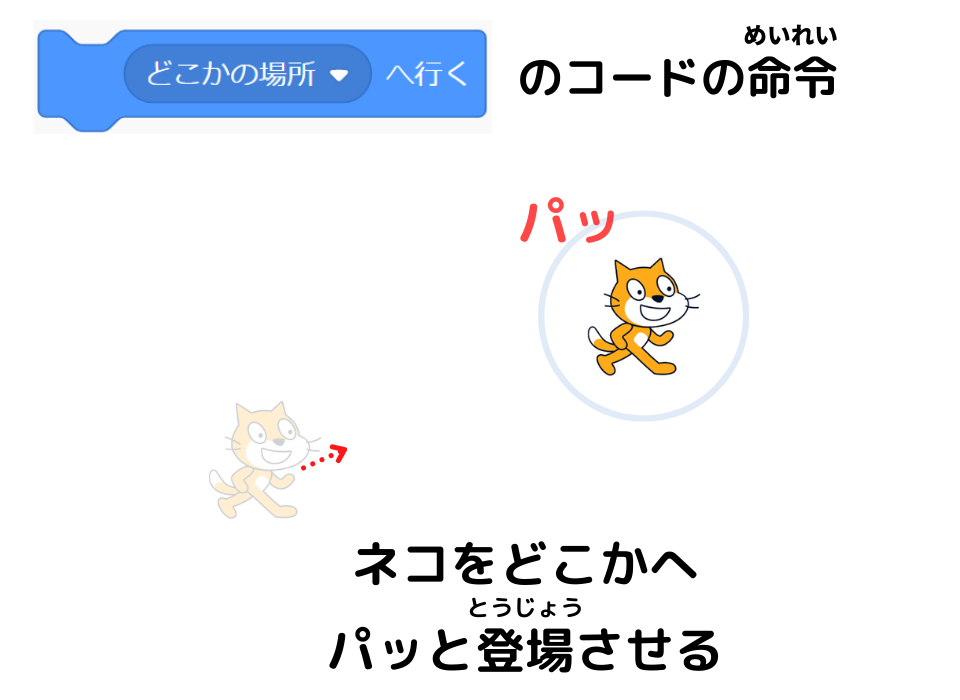
The “go to random position” codemakes the sprite (in this case, the cat) appear somewhere instantly.
- The “glide 1 secs to random position” code
- The “go to random position” code

I see!
I got it!
Summary
Today,
we learned programming to make the cat move randomly using the “glide 1 secs to random position” block.
What We Learned Today
Here’s the programming to make the cat move randomly!
If you change the time,
the cat’s movement becomes even more interesting!
That’s right.
This script can be used for enemy or target movements in shooting games.
I hope everyone will use it in their projects.
See you later!!

See you!
(@^^)/~~~

コメント